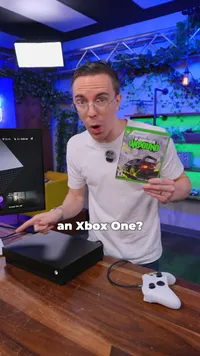
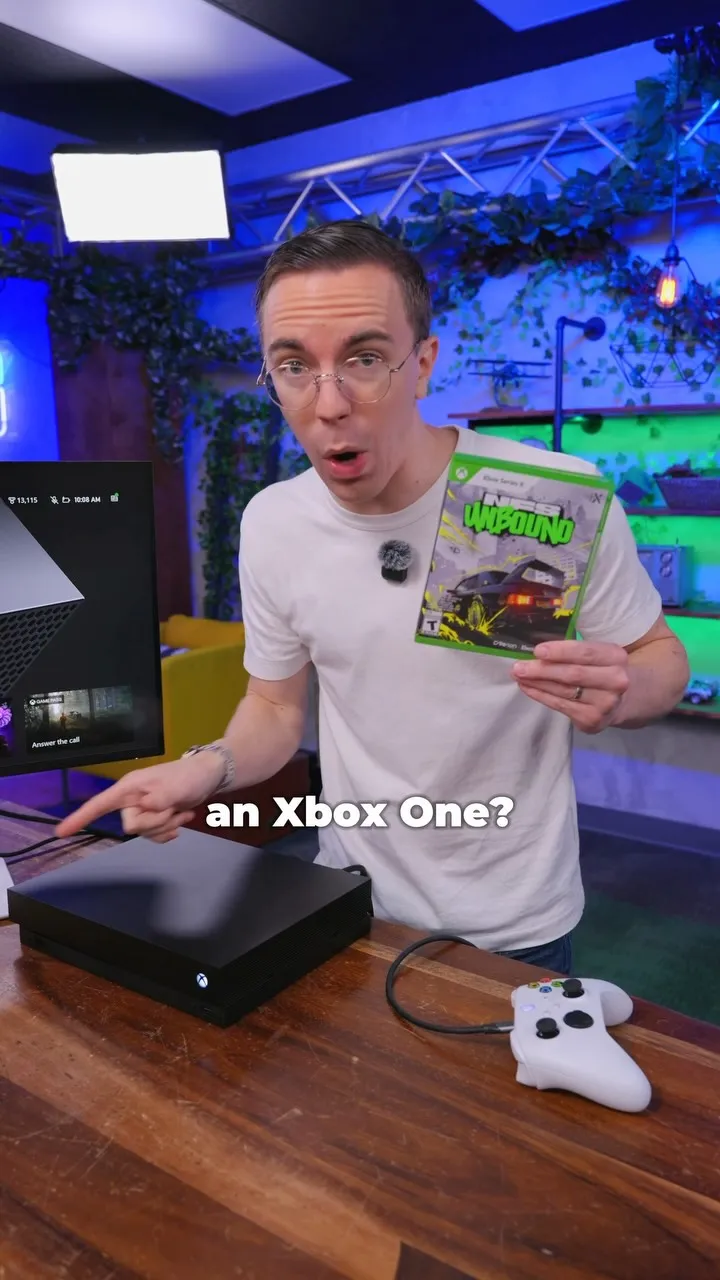
Using Xbox Disc to Digital on an Xbox One
Using Xbox Disc to Digital on an Xbox One
- Views
- 367.8K
- Likes
- 23K
- Comments
- 419
- Topics
Analysis
Verbal hook
Did you know you can digitize an Xbox Series X game on an Xbox One?
Visual hook
Demo talking head- 01The Capability Hook
Open with a surprising claim that connects an older tool or system to a newer capability.
- 02The Demonstration Promise
Tell viewers you will prove the claim on camera, creating a reason to keep watching.
- 03The Expected Failure
Test the obvious approach and explain why it should fail. This makes the later workaround more credible.
- 04The Unexpected Access Point
Show that even though the main function fails, the system still provides access to a useful screen or feature.
- 05The Visible Failure Confirmation
Point out the failed result on screen so viewers understand that the workaround is not simply normal compatibility.
- 06The Hidden Menu Workaround
Reveal the specific control sequence or overlooked feature that solves the problem.
- 07The Account-Level Payoff
Explain what changes after the action. Turn the button press into a clear ownership or access benefit.
- 08The Expanded Use Cases
List additional places or situations where the result works. This increases the perceived value of the discovery.
- 09The Practical Reframe
Generalize the discovery into advice for viewers who have an older tool, then end with a brief positive reaction.
Sign in to see the full analysis.
Sign in