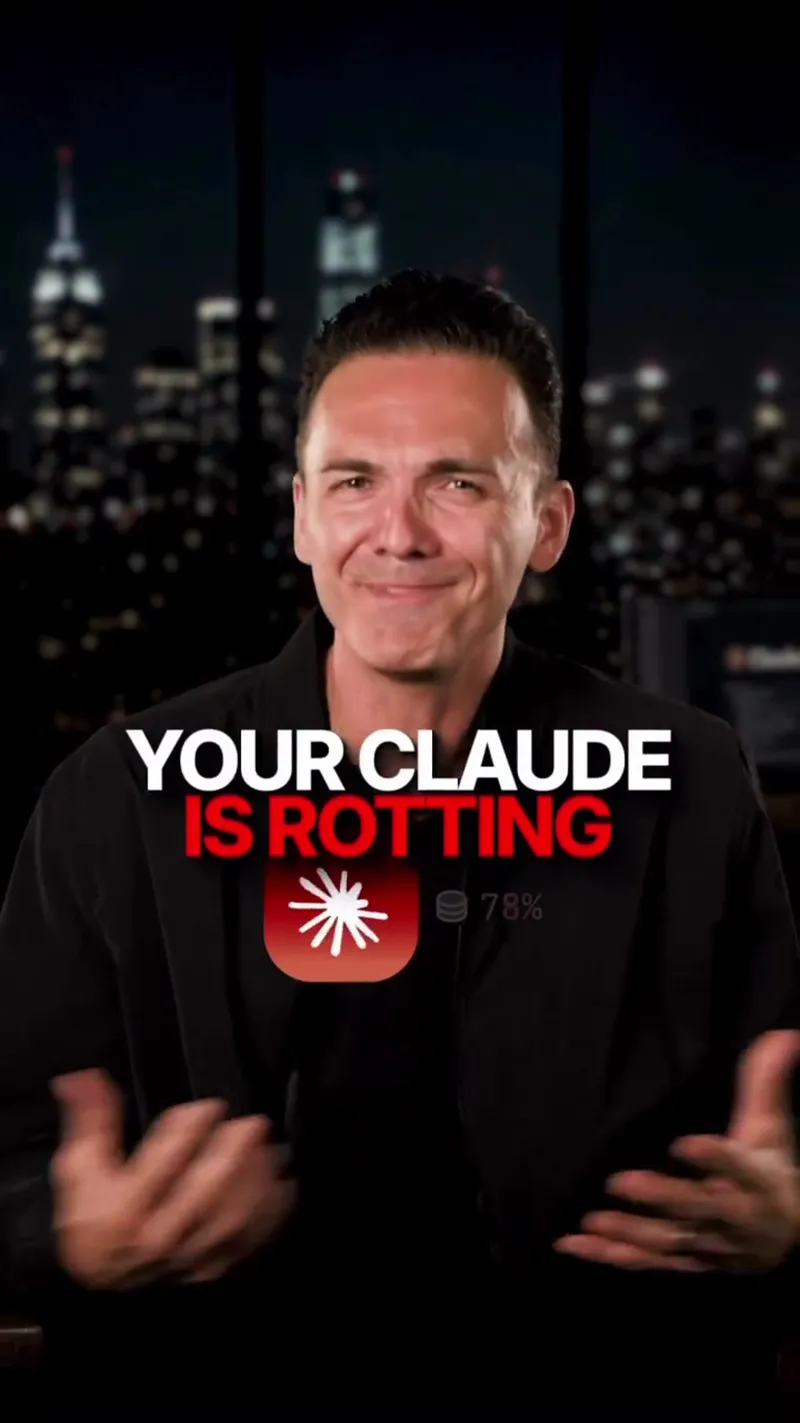
The video explains how to prevent 'context rot' in Claude Code sessions by using a structured handoff Markdown file. It provides a specific six-point template to help the AI stay focused and avoid repeating errors during long coding projects.
Stop Your Claude Code Sessions From Getting Dumber
The video explains how to prevent 'context rot' in Claude Code sessions by using a structured handoff Markdown file. It provides a specific six-point template to help the AI stay focused and avoid repeating errors during long coding projects.
- Views
- 150.8K
- Likes
- 3.8K
- Comments
- 2K
- Topics
Analysis
The longer you run a Claude code session, the dumber it gets, and using Compact is not enough to fix it.
The longer you run a Claude code session, the dumber it gets, and using Compact is not enough to fix it. Compacting still drags the old conversation forward, meaning it brings the dead ends, the messy debugging and all the bad assumptions into the next conversation. I call this context right and it's killing your code. So what you want instead is a full handoff. So before you end a session, tell Claude to create a handoff MD file and have it include six things. The goal the current state active files it's working on, any changes it made, a list of failed attempts and specific next steps that it was focused on. Then run the forward slash clear command. Or open a new session and tell it to read the handoff doc and continue from where it left off. And you want to use this when you're stepping away for hours, or when Claude keeps making the same broken mistake on a loop. Now I made a short guide that tells you exactly how to do this and how to get started. Comment clear below and I'll send it right over.
- 01The Counter-Intuitive Problem
State that a common activity actually gets worse over time and the standard fix doesn't work.
- 02Why the Fix Fails
Explain the technical or logical reason why the easy solution is actually dragging you down.
- 03Labeling the Enemy
Give the problem a catchy name to build authority and show why it's harmful.
- 04The Superior Alternative
Introduce your unique solution or mindset shift.
- 05The Requirements List
Introduce a specific, numbered list of items needed for the solution.
- 06The Deep Dive
List out the specific items promised in the previous step.
- 07The Final Action
Explain the exact technical steps to finalize the process.
- 08The Restart Phase
Describe how to resume the work using the new system.
- 09The Use Case
Identify specifically when the viewer should apply this method.
- 10The Bonus Offer
Mention a resource that makes the process even easier.
- 11The Call to Action
Tell the viewer exactly how to get the resource.