Using Xbox Disc to Digital on an Xbox One
Using Xbox Disc to Digital on an Xbox One
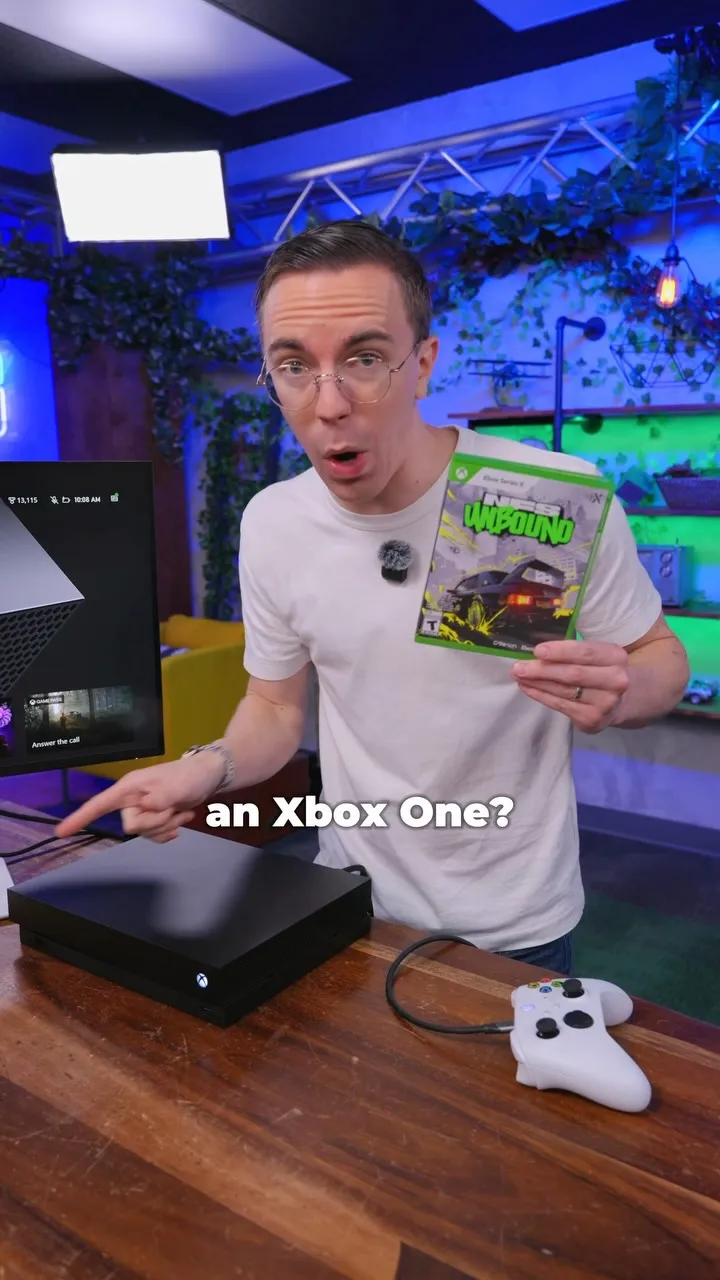
A presenter demonstrates using an Xbox One to claim a digital license for an Xbox Series X game disc. He explains that the game may then be playable on a Series S or PC, depending on support.
- Views
- 367.8K
- Likes
- 23K
- Comments
- 419
- Xbox disc-to-digital conversionXbox game license transferXbox One compatibility
Analysis
A presenter demonstrates using an Xbox One to claim a digital license for an Xbox Series X game disc. He explains that the game may then be playable on a Series S or PC, depending on support.
- Talking headDemoTutorial
- Spoken
- Original
“Did you know you can digitize an Xbox Series X game on an Xbox One?”
- On-screen text
- Original
“Did you know you can digitize an Xbox Series”
- Visual
- Presenter with relevant objectsA centered presenter faces the camera and holds up a game case; an Xbox console and controller are visible on the table in the foreground.
- The presenter and Xbox equipment illustrate the explanation; sampled shots show the console and its game interface as he describes loading the disc and claiming the license.
“Did you know you can digitize an Xbox Series X game on an Xbox One? Let me show you how it works. If I put this Xbox Series X disc in an Xbox One, I will not be able to play the game because of course this is not designed for the console. However, what you'll see is that once the disc actually loads, you can actually open it up. So you'll see right here I hit a the game says, oh, sorry, doesn't work. Of course it doesn't. But if you hit the start button and hit Claim Digital License, it will give you the option to claim that digital license. And when I do it, what happens is that disc is now on my Xbox account. I can play it on a Series S if it supports play anywhere. I can even play it on my PC. So if you have an old school Xbox One laying around, you can use it to digitize games for not only the Xbox One, but even for the Series X. That's kind of cool.”
- 01Surprising possibility and promise
Opens a specific question—whether and how the unexpected use is possible—and commits to demonstrating it.
Introduce an unexpected capability involving one tool or device being used with another, then promise to show how it works.
“Did you know you can digitize an Xbox Series X game on an Xbox One? Let me show you how it works.”
- 02Establish the apparent limitation
Sets up the obstacle the demonstration must overcome and makes the workaround meaningful.
Explain that the straightforward attempt fails because the item is not designed for that device.
“If I put this Xbox Series X disc in an Xbox One, I will not be able to play the game because of course this is not designed for the console.”
- 03Show the workaround and its outcome
Resolves the incompatibility by demonstrating the alternative path, then clarifies the resulting access and its limits.
Explain that the item can still be opened, show the initial failure, then give the alternate action that unlocks the option. State what claiming it changes and where it can be used, with a qualification.
“However, what you'll see is that once the disc actually loads, you can actually open it up. So you'll see right here I hit a the game says, oh, sorry, doesn't work. Of course it doesn't. But if you hit the start button and hit Claim Digital License, it will give you the option to claim that digital license. And when I do it, what happens is that disc is now on my Xbox account. I can play it on a Series S if it supports play anywhere. I can even play it on my PC.”
- 04Practical takeaway and reaction
Turns the demonstration into a practical takeaway and closes the promised explanation with an approving comment.
Summarize who can use the method, the broader range of items it applies to, and finish with a brief positive reaction.
“So if you have an old school Xbox One laying around, you can use it to digitize games for not only the Xbox One, but even for the Series X. That's kind of cool.”