Content calendar
Plan next week’s postsin one sitting.
Start every slot from a post that already worked, draft your version next to it, and schedule the week.
$250 for your first year, half the regular price
Planning a week, before and after
A calendar full of empty slots.
BeforeStarting each post from nothing
With BenchmarkGive every slot a reference post with its hook and structure.
BeforeResearch in one tool, scheduling in another
With BenchmarkDraft and schedule in Posts, in the same workspace as your research.
BeforeWeeks that all sound the same
With BenchmarkMix formats and post types on purpose, using the gallery’s folders.
How it works
References, drafts, schedule.
- Step 1
Pick a reference for each slot
Ask Chat for a week of ideas, or choose from the gallery by topic and format.
- Step 2
Draft your versions
Write each post in Posts, with its reference linked.
- Step 3
Schedule the week
Add the posts to your queue at times in your time zone.




 1
 2
 3
Posts to learn from
Real posts from the gallery, with the line each one opens on and the steps of its script.
 1.7M views“He. He left me. I had no money, nothing. No way.”
- Crisis Hook
- Unclear Turning Point
- Unexpected Helper
 1.4M views“How many beds have you slept in over Your entire life?”
- Reframe the counting question
- Make the idea personal and introduce the theory
- Explain the mechanism and contrast
 557.9K views“After you hit $10,000 in your bank account, I think the next milestone is $50,000.”
- Next Target Hook
- Practical Safety Benefit
- Concrete Numerical Proof
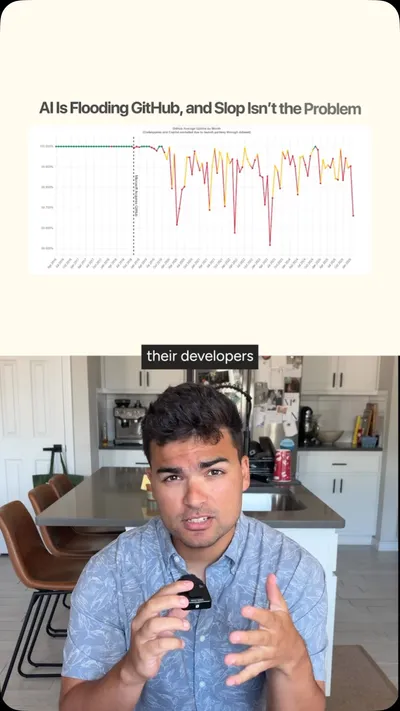 473.1K views“AI is killing GitHub, but it's not because their developers are shipping slop.”
- Contrarian Hook
- Old Normal
- Scale Shift




Questions
How do I plan a social media content calendar?
Decide how many posts you can make well, give each slot a different job, and pick a reference post for each before you write. Then draft and schedule them together.
Can Benchmark publish for me?
Yes. Posts publishes to Instagram, YouTube and LinkedIn at no credit cost, and to X for 2 credits a part.
Can I schedule in my time zone?
Yes. Queue times stay at the same local hour.
Products used
Start your next post
from one that worked.
Find posts that beat their account’s reach in your niche, with the hook and structure of each.