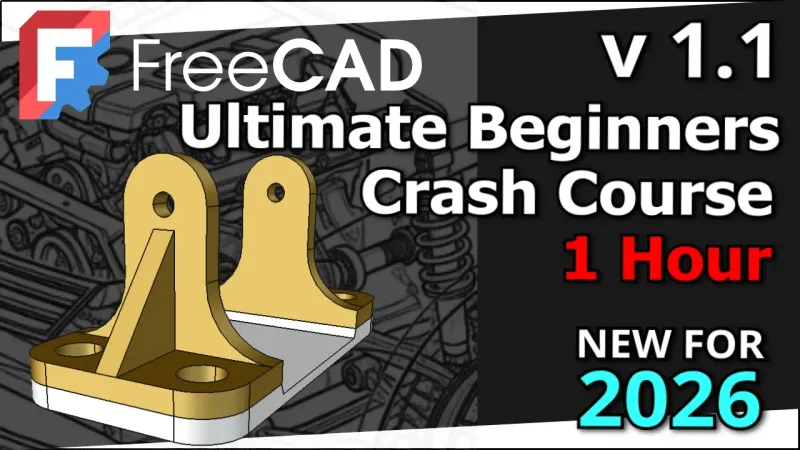
FreeCAD 1.1 Ultimate Beginners Crash Course in 1 hour for 3D printing CAD Lesson / Tutorial
MangoJelly Solutions for FreeCAD@MangoJellySolutionsFreeCAD 1.1 Ultimate Beginners Crash Course in 1 hour for 3D printing CAD Lesson / Tutorial
A beginner course on setting up FreeCAD 1.1 and learning its interface, workbenches, and parametric modeling tools. The stated curriculum covers sketches, part features, model history, design variants, and exporting models for uses such as 3D printing; the opening begins with installation and setup.
- Views
- 211.6K
- Likes
- 4.6K
- Comments
- 354
- FreeCAD 1.1 BasicsParametric CAD modeling3D Printing DesignFreeCAD Workbenches
Analysis
A beginner course on setting up FreeCAD 1.1 and learning its interface, workbenches, and parametric modeling tools. The stated curriculum covers sketches, part features, model history, design variants, and exporting models for uses such as 3D printing; the opening begins with installation and setup.
- Tutorial
- Title
- FreeCAD 1.1 Ultimate Beginners Crash Course in 1 hour for 3D printing CAD Lesson / Tutorial
“Welcome to the updated FreeCAD Ultimate Welcome to the updated FreeCAD Ultimate Welcome to the updated FreeCAD Ultimate Beginner's Guide. Beginner's Guide. Beginner's Guide. This has been updated for FreeCAD 1.1 This has been updated for FreeCAD 1.1 This has been updated for FreeCAD 1.1 and above and above and above as it has been significant changes from as it has been significant changes from as it has been significant changes from FreeCAD 1.0. FreeCAD 1.0. FreeCAD 1.0. FreeCAD is a powerful open-source CAD FreeCAD is a powerful open-source CAD FreeCAD is a powerful open-source CAD package. package. package. This course will guide you through This course will guide you through This course will guide you through FreeCAD FreeCAD FreeCAD and teach you how to create functional and teach you how to create functional and teach you how to create functional designs from start to finish. designs from start to finish. designs from start to finish. By the end of this course, you'll be By the end of this course, you'll be By the end of this course, you'll be ready to use FreeCAD for your own ready to use FreeCAD for your own ready to use FreeCAD for your own projects.”
- 01Updated guide and version context
Establishes the guide’s subject and revision scope, giving viewers context for why this edition may matter. It frames the course without claiming an unsupported comparison of specific features.
Welcomes viewers to an updated beginner’s guide, identifies its version, and notes significant changes from the prior version.
“Welcome to the updated FreeCAD Ultimate Welcome to the updated FreeCAD Ultimate Welcome to the updated FreeCAD Ultimate Beginner's Guide. Beginner's Guide. Beginner's Guide. This has been updated for FreeCAD 1.1 This has been updated for FreeCAD 1.1 This has been updated for FreeCAD 1.1 and above and above and above as it has been significant changes from as it has been significant changes from as it has been significant changes from FreeCAD 1.0. FreeCAD 1.0. FreeCAD 1.0.”
- 02Subject and course promise
Moves from identifying the subject to defining the course’s practical scope. The complete-design promise sets up what beginners can expect to learn before the speaker begins the installation instructions.
Calls FreeCAD a powerful open-source CAD package, then promises guidance through the tool and teaching in how to create functional designs from start to finish.
“FreeCAD is a powerful open-source CAD FreeCAD is a powerful open-source CAD FreeCAD is a powerful open-source CAD package. package. package. This course will guide you through This course will guide you through This course will guide you through FreeCAD FreeCAD FreeCAD and teach you how to create functional and teach you how to create functional and teach you how to create functional designs from start to finish. designs from start to finish. designs from start to finish.”
- 03Practical learner outcome
Makes the course’s end goal concrete for a beginner: applying the subject independently to personal projects. The next passage starts the first setup step, so the introduction ends at this promised outcome.
Promises that by the end of the course, viewers will be ready to use FreeCAD for their own projects.
“By the end of this course, you'll be By the end of this course, you'll be By the end of this course, you'll be ready to use FreeCAD for your own ready to use FreeCAD for your own ready to use FreeCAD for your own projects.”