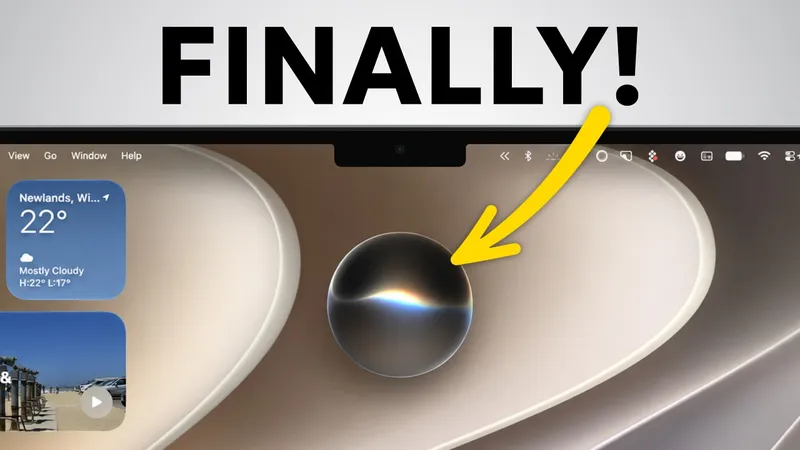
macOS 27 Golden Gate is AMAZING - Try these 10 things FIRST!
macOS 27 Golden Gate is AMAZING - Try these 10 things FIRST!
The video highlights ten macOS 27 Golden Gate features to try, including updated Photos editing tools, Safari price-drop alerts and tab organization, Siri features, menu bar cleanup, file renaming and Weather improvements. The presenter introduces where to find the tools and how they may help with everyday Mac tasks, and notes compatibility and regional limitations.
- Views
- 308.8K
- Likes
- 3.6K
- Comments
- 134
- MacOS 27 FeaturesMac photo editingSafari and SiriMac productivity tools
Analysis
The video highlights ten macOS 27 Golden Gate features to try, including updated Photos editing tools, Safari price-drop alerts and tab organization, Siri features, menu bar cleanup, file renaming and Weather improvements. The presenter introduces where to find the tools and how they may help with everyday Mac tasks, and notes compatibility and regional limitations.
- ListicleTutorial
- Title
- macOS 27 Golden Gate is AMAZING - Try these 10 things FIRST!
“Your Mac can now watch a website for a price drop, suggest a useful name for that mystery file in downloads, and change the perspective of a photo that you've already taken. Those are just some of the additions in Mac OS 27 Golden Gate. I've been using it for a few months now, and in this video, I'll show you the features worth trying, where to find them, and how they can make everyday things on your Mac easier. One quick compatibility point, this update is for Macs with Apple Silicon, including the MacBook Neo. Intel Max aren't supported for this one. Some features also depend on your language and region with Siri AI initially rolling out in English. Definitely check the Apple website if you want to learn more about compatibility for your device and your region. Let's start with what you can now do in photos.”
- 01Examples and premise
This gives the guide a concrete subject immediately and makes the coming overview relevant to viewers interested in the new additions.
The speaker lists three additions and identifies them as examples from the update.
“Your Mac can now watch a website for a price drop, suggest a useful name for that mystery file in downloads, and change the perspective of a photo that you've already taken. Those are just some of the additions in Mac OS 27 Golden Gate.”
- 02Experience and guide promise
The experience statement supports the guide's relevance, while the roadmap sets expectations for what viewers will get from the episode.
The speaker says how long they have used the update and promises to cover worthwhile features, where to find them, and how they may help in everyday use.
“I've been using it for a few months now, and in this video, I'll show you the features worth trying, where to find them, and how they can make everyday things on your Mac easier.”
- 03Applicability caveat
This qualifies the guide's relevance before the walkthrough begins, so viewers can assess whether the update and its features apply to their setup.
The speaker states the supported hardware and notes that some features depend on language and region, advising viewers to check compatibility.
“One quick compatibility point, this update is for Macs with Apple Silicon, including the MacBook Neo. Intel Max aren't supported for this one. Some features also depend on your language and region with Siri AI initially rolling out in English. Definitely check the Apple website if you want to learn more about compatibility for your device and your region.”
- 04Transition to the first feature
This closes the framing and begins the promised feature guide with a clear first topic.
The speaker moves from the overview and caveat into the first area of use.
“Let's start with what you can now do in photos.”