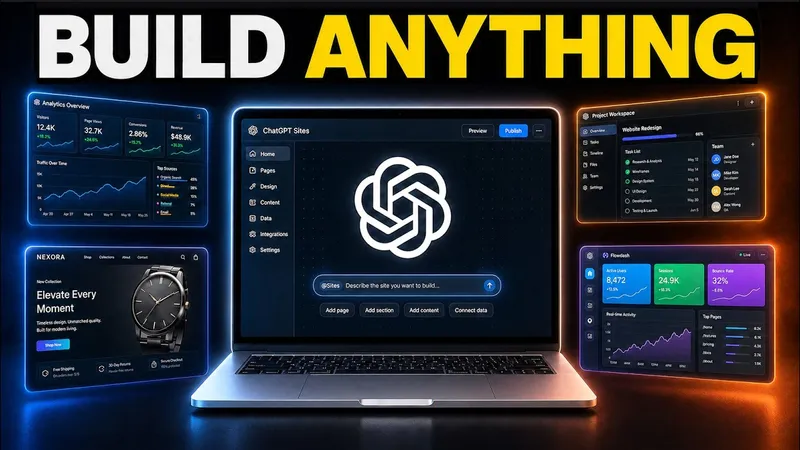
How to Use ChatGPT Sites to Build Anything (Insane)
Riley Brown@rileybrownaiHow to Use ChatGPT Sites to Build Anything (Insane)
The creator demonstrates building a social-media research app called Social Scrape with ChatGPT Sites, describing its ability to collect short-form videos, stats and transcripts in a shared workspace. The video promises a guided build and covers ChatGPT Work, editing the app, scraping skills, and site settings such as its database and hosting.
- Views
- 248K
- Likes
- 3K
- Comments
- 119
- ChatGPT Sites App BuildingNo-Code App CreationSocial media scrapingAI development tools
Analysis
The creator demonstrates building a social-media research app called Social Scrape with ChatGPT Sites, describing its ability to collect short-form videos, stats and transcripts in a shared workspace. The video promises a guided build and covers ChatGPT Work, editing the app, scraping skills, and site settings such as its database and hosting.
- TutorialWalkthrough

- Title
- How to Use ChatGPT Sites to Build Anything (Insane)
“Today, I'm going to show you how easy it is to build any app you want inside Chat GPT. Yesterday, I built an app that replaced three SaaS tools that I was paying thousands of dollars for, and I did this in just three prompts using Chat GPT. So, the app that I created is called Social Scrape, and we're actually going to be building this app again today. It analyzes all short-form platforms. It can scrape the entire videos from Instagram or TikTok, all of the stats and the transcript, and it can store all of this information in a site that my whole team can use for creating content and ads. And literally anyone can build an app just like this in minutes using Chat GPT sites. And many of you may not know, but Chat GPT sites has a built-in database, hosting, authentication, storage, and custom domain. And so, that's exactly what we're going to do today in this video. Even if you have zero coding experience, by the end of this video, you'll be able to open Chat GPT and create any app you want, and you'll be able to use it with your team.”
- 01Tutorial premise and result
The direct premise quickly establishes the topic. The claimed result and short prompt count give viewers a reason to learn how the creator says they achieved it.
Announces the app-building tutorial, then gives a personal example: the creator says they built an app that replaced three paid SaaS tools using three prompts.
“Today, I'm going to show you how easy it is to build any app you want inside Chat GPT. Yesterday, I built an app that replaced three SaaS tools that I was paying thousands of dollars for, and I did this in just three prompts using Chat GPT.”
- 02Example app and capabilities
The specific example makes the tutorial concrete, while the range of data and built-in services helps viewers understand what the proposed app entails before the build begins.
Names the app, explains that the creator will build it again, and summarizes what it analyzes, collects, and stores for team use. The creator then lists services included in the platform.
“So, the app that I created is called Social Scrape, and we're actually going to be building this app again today. It analyzes all short-form platforms. It can scrape the entire videos from Instagram or TikTok, all of the stats and the transcript, and it can store all of this information in a site that my whole team can use for creating content and ads. And literally anyone can build an app just like this in minutes using Chat GPT sites. And many of you may not know, but Chat GPT sites has a built-in database, hosting, authentication, storage, and custom domain.”
- 03Tutorial plan and viewer promise
This closes the setup by connecting the feature list to the coming tutorial and stating the capability viewers are promised at the end.
Says these capabilities are what the video will use, then promises that viewers—including those with no coding experience—will be able to create an app and use it with their team.
“And so, that's exactly what we're going to do today in this video. Even if you have zero coding experience, by the end of this video, you'll be able to open Chat GPT and create any app you want, and you'll be able to use it with your team.”